

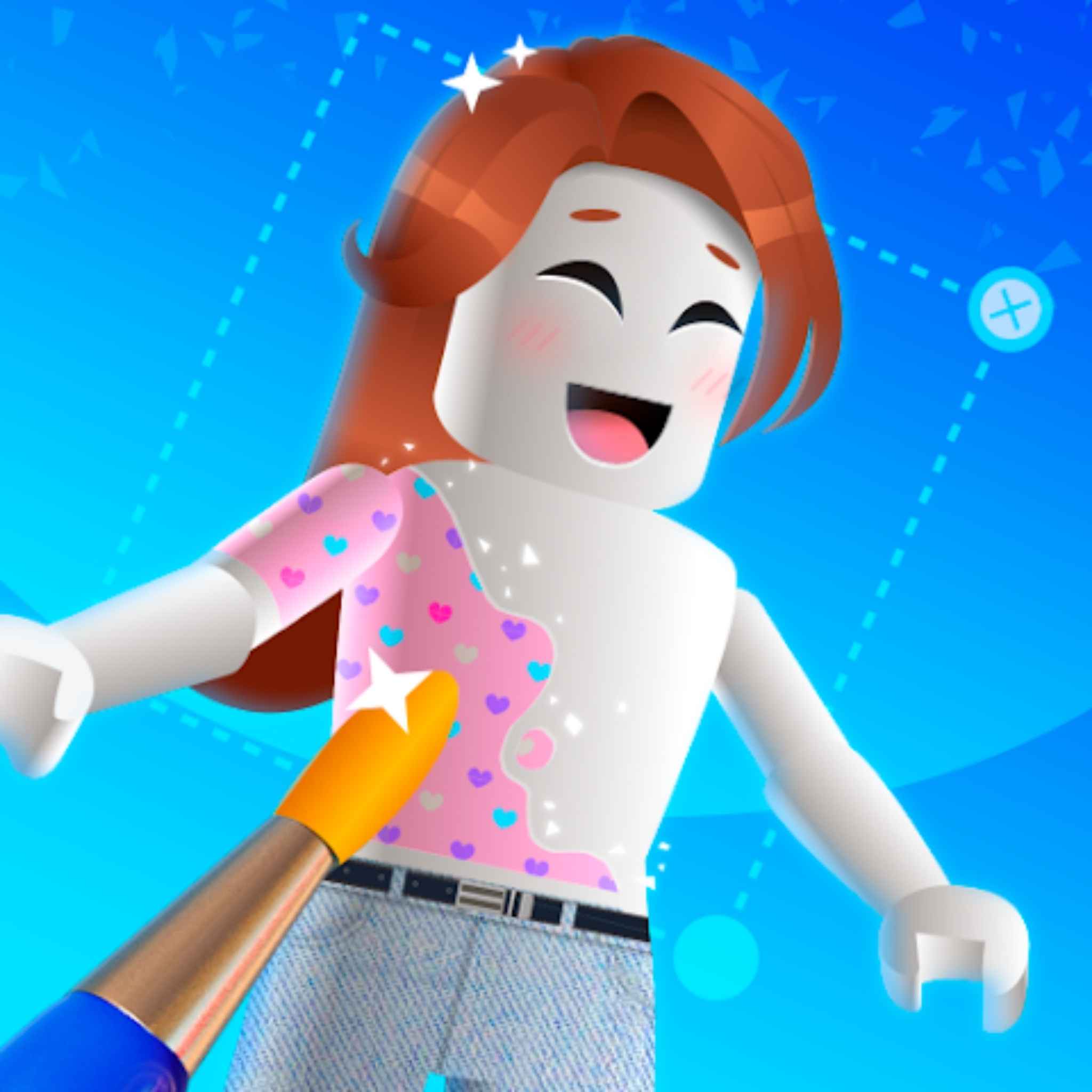
Makerblox – Create Skins is a creative design app developed by White Platform Studio that allows users to craft unique skins for their characters in a fun, interactive environment.🎨With over ten million downloads and a rating suitable for all audiences, Makerblox has become a go-to tool for players who love personalizing their digital avatars.🌟Unlike traditional games, it functions more as a creative sandbox, giving users the freedom to explore their imagination and design personalized appearances that reflect their individual style.🧢
What sets Makerblox apart is its balance between simplicity and flexibility. The interface is intuitive enough for beginners to navigate easily, yet it includes advanced options for users who want to experiment with color schemes, textures, and accessories.🎨It transforms the process of skin creation into an engaging, game-like experience, encouraging creativity while maintaining a user-friendly structure.💡
Features
- 🎨 Comprehensive creation tools: Makerblox – Create Skins offers a robust editor with coloring, shading, and detailing options for every part of a character’s skin.
- 👀 Real-time 3D preview: Users can instantly visualize their designs in 3D, making it easier to refine and perfect their creations.
- 🧍 Full avatar customization: The app allows editing of every element — from head and clothing to accessories — enabling realistic, fantasy-inspired, or experimental designs.
- 🤝 Community interaction: Players can share their skins or explore others’ creations, turning the app into a space for collaboration and inspiration.
- 💬 Creative engagement: The social component fosters a sense of belonging, encouraging users to connect through shared creativity.
- 🔄 Frequent updates: Makerblox continuously adds new features and responds to user feedback to stay aligned with current design trends.
Pros
- 📱 High accessibility: Makerblox makes creative expression available to everyone, removing the barriers of complex design software.
- 🧩 Beginner-friendly interface: Its simple layout allows even newcomers to create impressive skins in just a few minutes.
- 🎨 Advanced editing options: More experienced users can use detailed tools to craft intricate and personalized designs.
- 👀 Built-in real-time preview: The preview feature lets users visualize and refine their creations instantly without external programs.
- 🤝 Creative community: Players can share ideas, showcase their work, and draw inspiration from others’ designs.
- 🔄 Ongoing updates: Regular developer updates add new features and improvements, keeping the experience fresh and engaging.
Cons
- ⚠️ Internet dependency: Makerblox – Create Skins requires an active internet connection to access all its features, which can limit use in offline situations.
- 💰 In-app purchases: Although free to download, some premium tools and customization options are locked behind paid features.
- 🧠 Learning curve: While the interface is easy to use, mastering advanced design tools and details can take time for beginners.
- 📺 Advertisements in the free version: Occasional ads may interrupt the creative process and reduce the overall immersion.
- 🎨 Limited as a standalone experience: The app focuses on creating and displaying skins rather than functioning as a complete game.